
| S.No | Trigger | Functi |
|---|---|---|
| 1 | Referral code changed | Triggered when referral code of affiliate is changed |
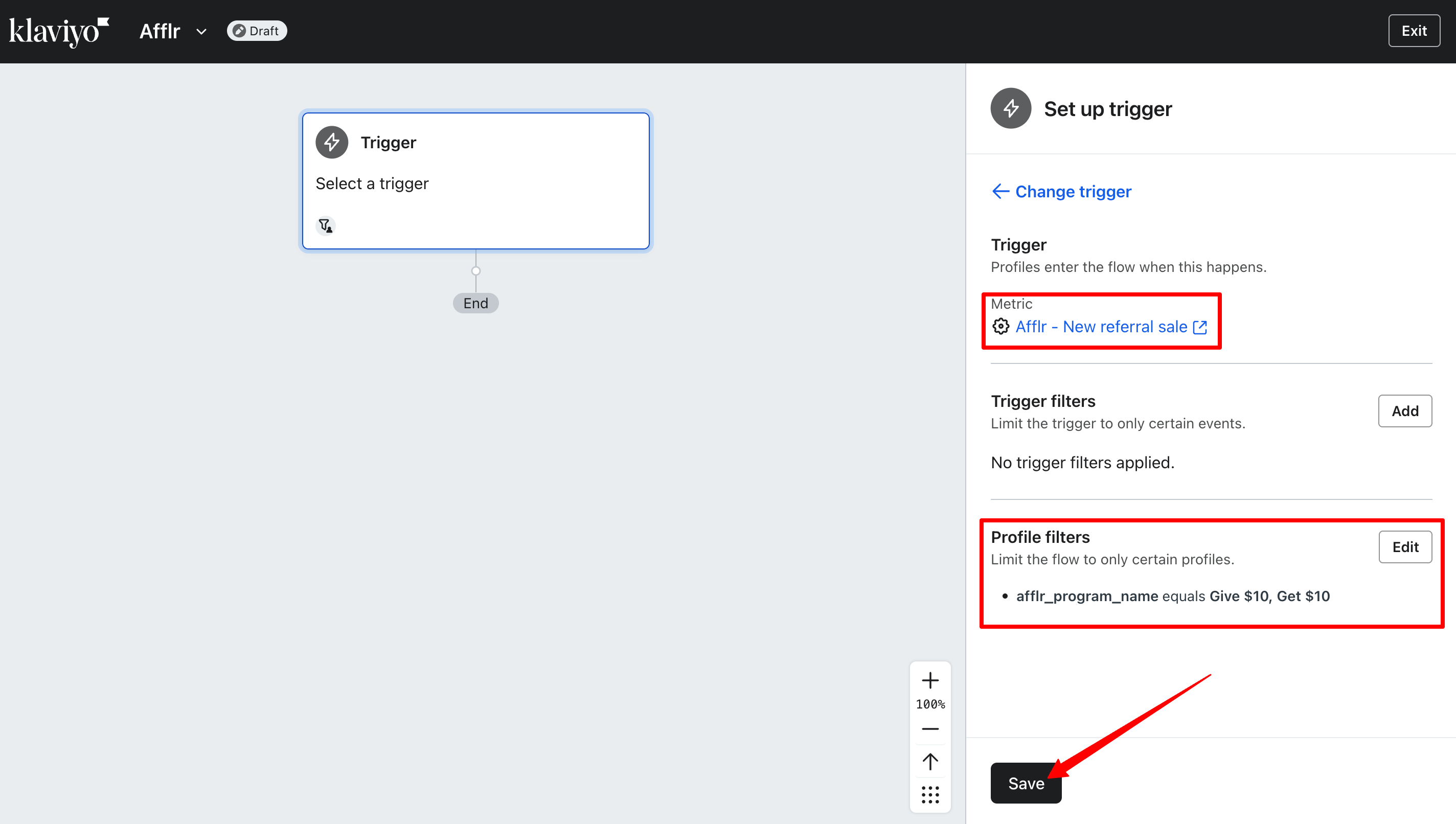
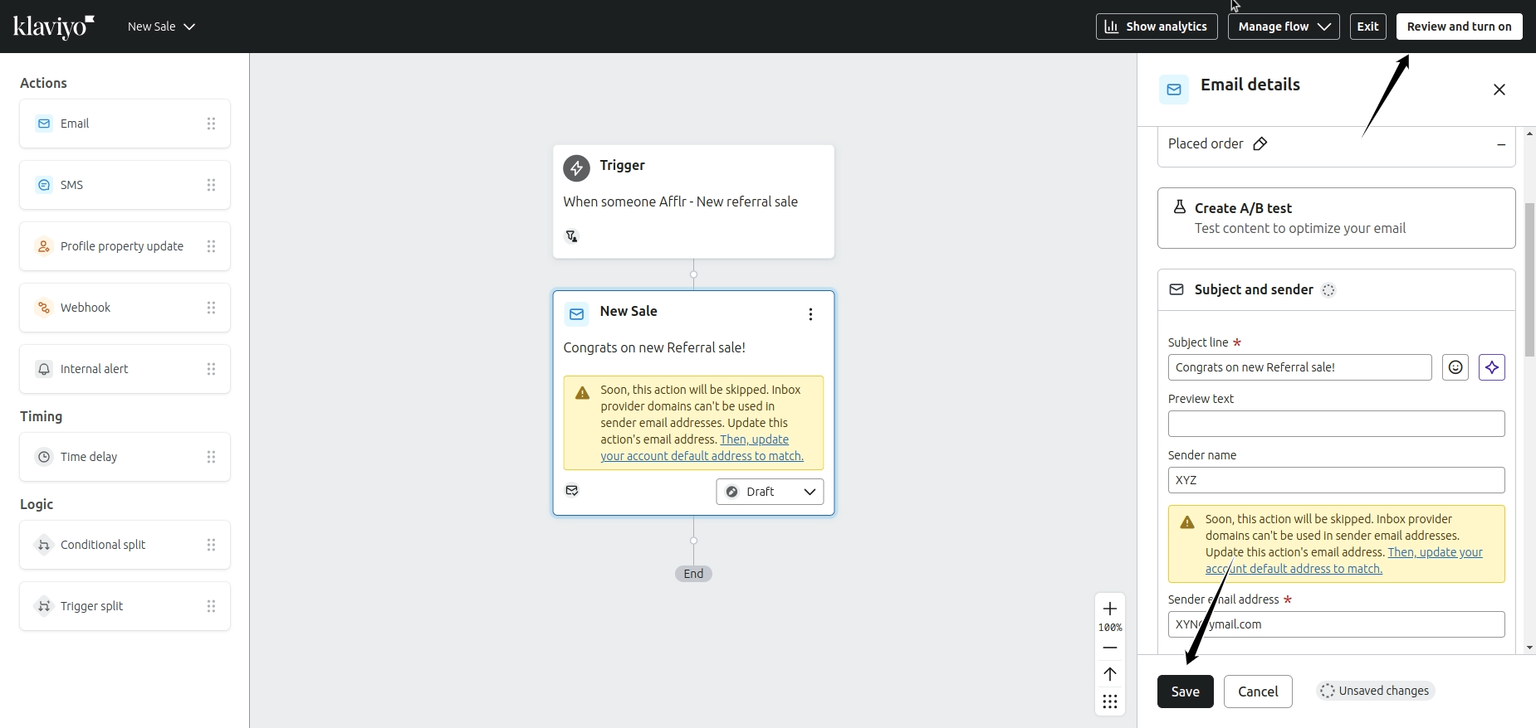
| 2 | New referral sale | Triggered when an affiliate makes a new sale |
| 3 | Payout sent | Triggered when payout is sent to the affiliate |
| 4 | Signed up as an affiliate via sign up form | Triggered when an affiliate signs up using sign up form |
| 5 | Signed up as an affiliate via manual creation | Triggered when an affiliate is added manually by the admin |
| 6 | Signed up as an affiliate via manual upload | Triggered when an affiliate list is imported to the app |
| 7 | Affiliate rejected for a program | Triggered when an affiliate is rejected from joining a program |
| 8 | Affiliate changed program | Triggered when an affiliate is assigned a new program |
| 9 | Affiliate approved for a program | Triggered when an affiliate is approved into a program |
| Property | Definition | Example |
|---|---|---|
| {{afflr_affiliate_code}} | The affiliate code of the affiliate you are sending mail to will be displayed | Welcome10 |
| {{afflr_affiliate_commission}} | The lifetime commission earned by the affiliate will be displayed | 1000 |
| {{afflr_affiliate_link}} | The affiliate link of the affiliate you are sending mail to will be displayed | your-store-domain.myshopify.com?afflr_id=Welcome10 |
| {{afflr_affiliate_paid_commission}} | The commission already paid to the affiliate will be displayed | 300 |
| {{afflr_affiliate_sales_revenue}} | The total revenue earned through the affiliate's sales will be displayed | 5000 |
| {{afflr_affiliate_source}} | The source through which the affiliate joined the program is displayed | Manual_Create |
| {{afflr_affiliate_status}} | The status of the affiliate is displayed | Approved |
| {{afflr_affiliate_unpaid_commission}} | The commission balance yet to be paid will be displayed | 400 |
| {{afflr_currency_code}} | The currency in which transactions take place will be displayed | USD |
| {{afflr_program_name}} | The program name of the trigger is displayed | Give 10 Get 10 |
| {{updated_at}} | The time and date of any updation that occurred will be displayed | 2024-05-09T09:30:34.202Z |
| {{affiliate_name}} | The name of the affiliate is displayed | John |
| {{affiliate_email}} | The email ID of the affiliate is displayed | john@xymail.com |
| Event | Property | Definition | Instance |
|---|---|---|---|
| REFERRAL_CODE_CHANGE | {{affiliate_new_referralCode}} | The new referral code after the change is displayed | WelcomeJohn10 |
| PAYOUT_SEND | {{payout_amount}} | The amount sent as a payout to the affiliate is displayed | 1000 |
| PAYOUT_SEND | {{payout_date}} | The date when the payout is sent is displayed | 25-04-2024, 3:37:48 PM |
| PAYOUT_SEND | {{payout_method}} | The mode of payment is displayed | Coupon |
| PAYOUT_SEND | {{payout_affiliate_notes}} | Any additional note mentioned during the payout will be displayed | Payment Sent |
| NEW_REFERRAL_SALE | {{sales_amount}} | The total value order of the sales is displayed | 250 |
| AFFILIATE_CHANGE_PROGRAM | {{new_program_name}} | The name of the new program assigned to the affiliate is displayed | Get 15% Give 15% |