> For the complete documentation index, see [llms.txt](https://docs.afflr.io/llms.txt). Markdown versions of documentation pages are available by appending `.md` to page URLs; this page is available as [Markdown](https://docs.afflr.io/frequently-asked-questions/22.-how-to-pay-cash-to-affiliates-using-tremendous-in-afflr.md).
# 22. How to pay cash to affiliates using Tremendous in Afflr?
Tremendous offers a variety of payout methods, and enabling cash options is done at the campaign level rather than a global setting for your account.
Here's how to set it up:
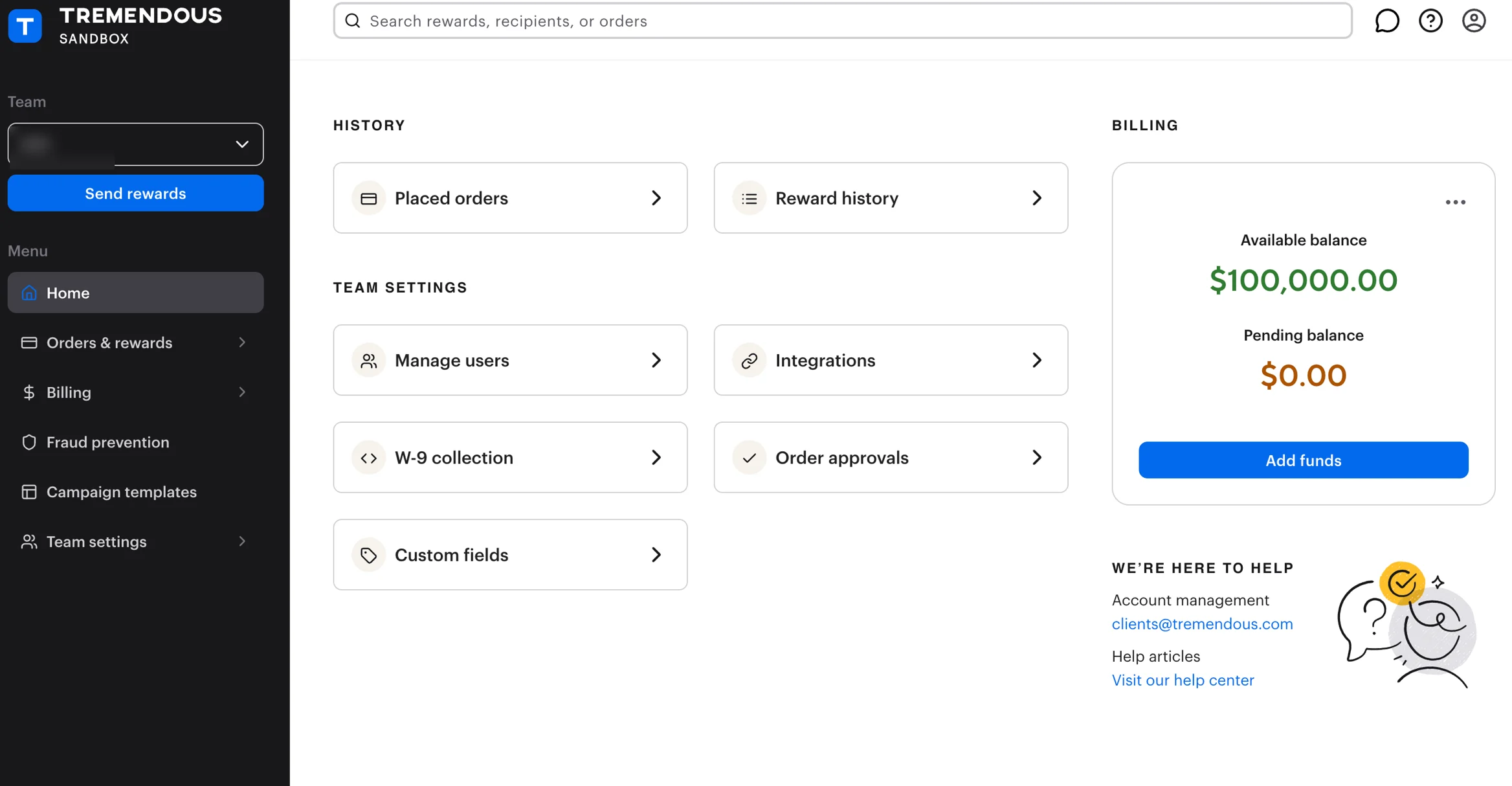
1. Log in to your **Tremendous** account and navigate to your dashboard.
2. Go to the **Campaign Templates** section and create a new campaign.
3. Select your **payout methods**: When creating the campaign, you'll be able to choose from a list of available reward options. Make sure to select "**Monetary options**" to allow for direct bank transfers or other cash-like payouts, or "Visa cards" for physical or digital cards that function as cash.
4. Customize your **webpage** and **email** for the campaign, which your recipients will see when they claim their reward. And, save your **Campaign.**
5. **Fund your account**: Before you can send rewards, ensure you have a sufficient balance in your Tremendous account by adding funds using a credit card, a connected US bank account, or via a wire payment.
6. **Send payouts**: Once your campaign is set up and your account is funded, you can send rewards, and recipients will be able to choose from the cash payment options you've enabled.
{% hint style="success" %}
Need help in setting up Tremendous?
Contact us at: ****
Or, schedule a call with us at [**https://zcal.co/t/afflr/onboarding**](https://zcal.co/t/afflr/onboarding)
{% endhint %}